Platform
How the Weddings.io Photo Wall Works: Real-Time Guest Photos, Screened Before They're Live
A QR code, a phone camera, and a screened, real-time gallery — how guest photo sharing actually works on Weddings.io.
How Weddings.io's Photo Wall lets guests share photos and video from their phones — screened before they go live, displayed in real time.
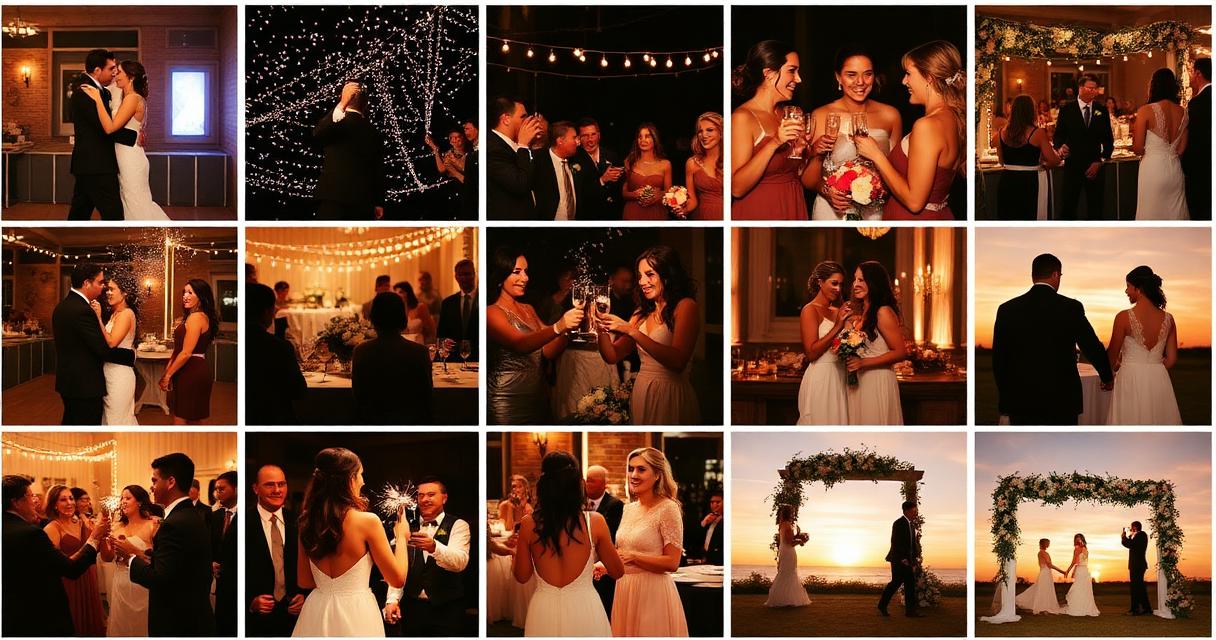
The Weddings.io Photo Wall lets wedding guests share photos and videos straight from their phones — no app download, just a QR code or link — and see them appear on a live display at the reception within moments of uploading. Every submission is screened before anyone sees it, including the couple, so the wall stays a celebration and not a moderation headache.
Here's how it actually works, end to end.
How do guests actually submit a photo?
A guest scans a QR code (or taps a shared link) that opens a simple upload page in their phone's browser — no account, no app install, no login. They pick a photo or video from their camera roll or shoot one on the spot, optionally add their name, and hit share. That's the entire guest-facing interaction. It's built specifically to work for a 70-year-old relative who's never used a wedding app in their life, not just guests who are comfortable with tech.
What happens between "upload" and "visible on the wall"?
This is the part that actually distinguishes a real photo wall from an open folder anyone can dump files into. Every submission goes through two layers of screening before it's shown anywhere — not on the reception display, not in the couple's gallery, not even in the planner's private review queue.
The first layer runs right on the guest's phone, in their browser, before the file ever finishes uploading — a fast check that catches obvious problem content instantly, so a guest gets immediate feedback rather than a photo silently disappearing later. The second, more thorough layer runs after upload and checks the actual file server-side — this layer covers video as well as photos, which the on-device check alone can't do.
Nothing is visible anywhere — not the planner's queue, not the display wall — until that second check clears it. This two-layer design exists specifically so that nothing questionable is ever visible, even for a moment, while it's being checked.
What happens after a photo clears screening?
For a regular guest upload, a cleared submission lands in the couple's (or their planner's) review queue, waiting for a quick approve or reject. Once approved, it appears on the live reception display and in the couple's gallery within moments — the display updates in real time, so a photo approved while the reception is happening shows up on the TV or projector at the venue without anyone needing to refresh anything.
What is the trusted-uploader fast lane?
Photographers, videographers, and immediate family are often the source of the best photos of the day — and they're also uploading in bulk, sometimes dozens of shots at once. For them, there's a separate, private link (never printed on the public QR code, shared only directly) that fast-tracks their uploads: once a submission clears the same safety screening every upload goes through, it goes live immediately rather than waiting in the couple's manual review queue. This isn't a bypass of screening — it's a bypass of the human review step, for uploaders the couple has explicitly trusted with a private link.
How does the couple find out when something new comes in?
The couple (or their planner) can enable push notifications, so a new approved submission triggers a real phone notification even if they don't have a browser tab open — useful during a reception when nobody's staring at a laptop. There's also an audible alert and a flashing browser tab title for anyone reviewing submissions from a device that's actively open.
What does the live display actually show?
Just the approved photos and videos — arranged in a live-updating grid, newest arrivals highlighted briefly so anyone watching the display notices what just came in. Anyone with the display link can view it (it's meant to run on a TV or projector at the venue, visible to the whole room), but nothing pending or rejected is ever part of what's shown — the display only ever pulls from the approved set.
Is there a limit on how much guests can upload?
Photos are capped at a generous size for a normal phone photo, and video at a size that comfortably covers a minute or two of clips — enough for a real toast or first dance, not enough for someone to upload their entire camera roll. Regular guests get a generous allowance for a single event; the trusted-uploader link gets a much higher one, since a photographer batch-uploading dozens of shots at once is normal, not unusual.
How a submission moves through the system
1. Guest scans the QR code or opens the shared link — no account needed.
2. Guest picks or shoots a photo/video and optionally adds their name.
3. An on-device check runs instantly as a first pass.
4. The file uploads and a second, more thorough check runs on the actual file — this step covers video too.
5. Once cleared, a regular guest's submission enters the couple's review queue; a trusted uploader's submission goes live immediately after clearing this same check.
6. The couple (or planner) approves or rejects anything in the queue.
7. Approved items appear on the live display wall and in the couple's gallery in real time.
Guest link vs. trusted-uploader link
| | Guest link (QR code) | Trusted-uploader link |
| --- | --- | --- |
| Who gets it | Anyone at the event | Photographer, videographer, immediate family — shared privately |
| Screening required | Yes, always | Yes, always — same standard |
| Needs couple's manual approval | Yes | No — goes live right after screening clears |
| Upload allowance | Generous, single-event scale | Much higher, built for batch uploads |
| Shown on printed QR code | Yes | Never |
Frequently asked questions
- Do guests need to download an app to use the Photo Wall?
- No. Guests scan a QR code or tap a link, which opens a simple upload page directly in their phone's browser. There's no app to install and no account to create.
- Does someone review guest photos before they go public?
- Yes. Every submission is screened in two layers — an instant on-device check, then a more thorough server-side check that also covers video — before it's visible anywhere, including the couple's private review queue. Regular guest uploads then also wait for the couple's manual approval before appearing on the display.
- Can guests see other people's photos as they upload?
- Guests only interact with the upload page — they don't see a gallery there. The live gallery and reception display only show photos that have already been screened and approved.
- What's the trusted-uploader link for?
- It's a private link — never on the public QR code — for the photographer, videographer, or immediate family, so their batch uploads go live immediately after passing the same safety screening every upload goes through, without waiting in the couple's manual approval queue.
- Does video work the same way as photos?
- Yes, with one difference: video gets sampled and checked as part of the more thorough server-side screening step, since a quick on-device check alone can't meaningfully screen video content the way it can a still image.
- How fast do approved photos show up on the display wall?
- The display updates in real time — an approved photo or video appears within moments, with no need to refresh the screen at the venue.